

Financial attributes
Metal can enrich a range of financial metrics on a company. Common ones include:Which attributes Metal enriches — and which sources it uses — is configured by an admin under Settings → Enrichment. The exact set available to your organization depends on that configuration.
Custom financial metrics
In addition to the standard set above, admins can define custom financial metrics for your firm — figures like EBITDAX, ARR growth, or any other number your team tracks that isn’t already built in. Metal extracts them from documents alongside the standard metrics. Manage custom metrics under Settings → Financial Metrics (admin-only). Each definition has:- Name — the canonical identifier (for example,
EBITDAX). Immutable after creation. - Display name — how the metric appears in the app (for example, “EBITDA X”).
- Unit — one of
currency,percentage,count, ormultiple. Immutable after creation. - Synonyms — other names documents may use for the same metric. Extraction matches these too. Synonyms can’t overlap with built-in metrics or other custom metrics.
- Description — a short prompt that helps the extraction model find this metric’s values. You can refine it manually or use Enhance to have Metal rewrite it.
Where custom metrics appear
Once defined, custom metrics render generically wherever Metal shows financial metrics:- CIM and screening detail pages — extracted values appear in the financials tables using the display name you configured. If no definition is found for a
custom:<name>key, the app falls back to a prettified label derived from the name. - Company and deal lists — open the Add column picker and pick from the new Custom Metrics section to add a metric as a column. Custom metric columns support the same filtering and editing as built-in metric columns.
- CIM Library grid — each active custom metric is available as a column, listed alphabetically by display name. These columns are opt-in. They’re hidden by default, so turn them on from the grid’s column visibility settings. Custom metric columns show the latest extracted value, formatted with the metric’s unit and the row’s currency, plus a citation to the source document when one is available. You can’t sort by custom metric columns.
- CIM Overview charts — a chart card appears for each custom metric that has actual, forecast, or estimated values for the screening. Metrics without such data don’t get a card.
- CSV exports — CIM Library CSV exports include a column for each custom metric with a value in the selected rows, placed after the built-in columns and before the score columns.
- DOCX exports — the company information table in a CIM DOCX export includes each custom metric that has a value.
The chart in the CIM Library analysis popover still shows built-in metrics only.
Where financial values come from
Financial metrics are sourced the same way as any enriched attribute, with documents playing an outsized role:- Your documents — Metal extracts figures from CIMs, financial statements, Quality of Earnings reports, board decks, and other files. Admins choose which document types to extract from under Settings → Extraction.
- Third-party data and web search — used to fill gaps and corroborate document figures.
- User input — values your team enters or confirms.
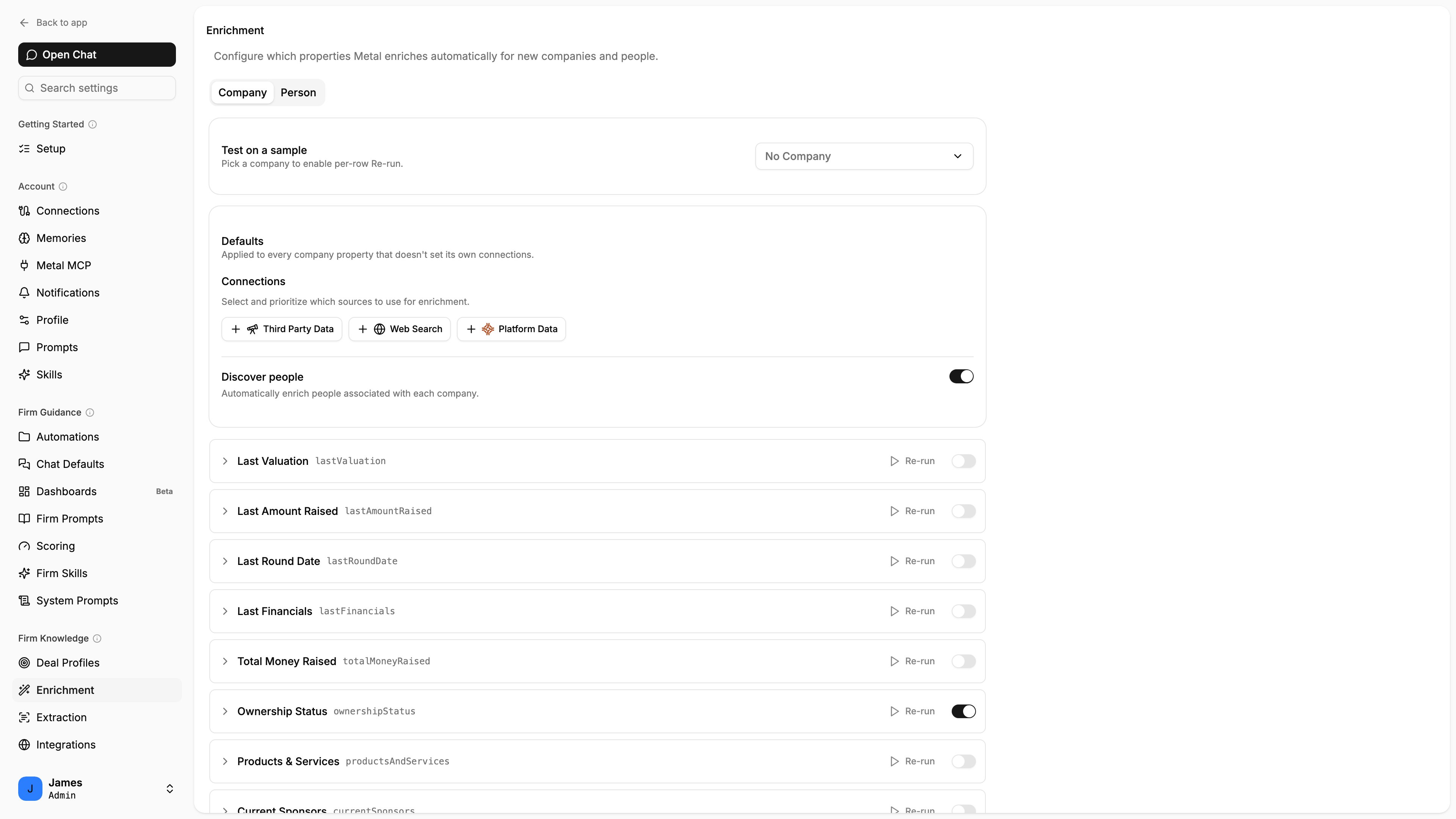
Financial properties are enriched from prioritized sources, the same as other attributes.
Reading financial metrics over the API
Financial attributes are returned on the company record as their reconciled displayed values. Trigger enrichment, then read the company once it completes:lastEnrichedAt to confirm a value reflects the latest run. See Enrichment for how to tell when a run is in progress.